
Amazon Connect on a phone: mobile agents without losing the contact
The contact centre is no longer a room. Supervisors on the floor, after-hours on-call staff, field engineers and small teams without a fixed desk are all still expected to take queued calls — and the usual workarounds quietly break everything Amazon Connect was chosen for. Here's what goes wrong, and what a real AWS Connect mobile app changes.
If you're at the earlier question — whether an Amazon Connect mobile app exists at all, and what to look for in one — start with does Amazon Connect have a mobile app? This piece is the business case that sits underneath it.
The mobile agent problem
Amazon Connect is a browser-based platform. The agent experience — the Contact Control Panel, or CCP — assumes a logged-in browser on a machine that stays put. That assumption held when every agent sat at a desk. It doesn't hold for the growing share of people who are expected to handle queued contacts while away from one: the team lead walking the floor, the duty manager covering an after-hours roster, the field technician between sites, the two-person business where everyone does everything.
Faced with this, most contact centres reach for one of two workarounds. Both look reasonable and both cost more than they appear to.
Workaround one: a laptop and a VPN
Give the roaming agent a laptop, a headset and VPN access, and technically they can open the CCP anywhere. In practice this is friction dressed up as a solution. It's a bag to carry, a battery to manage, a network to find and a VPN to reconnect every time it drops. Nobody answers a queued call in ninety seconds when the answer path starts with "open the laptop and wait for the tunnel." The capability exists; it just doesn't get used, which is the most expensive kind of tooling — the kind you pay for and don't get.
Workaround two: forward the call to a mobile number
The other answer is to route the queue — or overflow from it — to an agent's mobile number over the PSTN. The phone rings, the agent answers, the customer is helped. On the surface it works. Underneath, it silently discards most of what a contact centre runs Amazon Connect for:
- Routing intelligence is gone. Once the call leaves Connect for a phone number, skills-based routing, priority, queue position and whisper prompts no longer apply. It's a phone call, not a routed contact.
- The recording stops being yours. The leg that matters — agent and customer — happens outside Connect, so it isn't captured in your instance. For anyone with a compliance or quality obligation, that's not a gap, it's a liability.
- Metrics evaporate. Handle time, after-call work, adherence, the whole real-time and historical picture: none of it is measured for a call that Connect handed off. Your reporting quietly under-counts exactly the calls your busiest people take on the move.
- The contact record fragments. No screen-pop, no attributes, no wrap-up disposition written back, often no Contact Trace Record at all. The interaction happened, but your system of record barely knows it did — and Contact Lens never sees it.
The forwarded call feels free. The cost shows up later, as blind spots in compliance, reporting and the customer record.
The real fix: an AWS Connect mobile app that runs the real CCP
The mistake in both workarounds is treating mobility and Amazon Connect as separate systems to bridge. They don't need bridging. The agent's phone can run the genuine CCP itself — the same Amazon Connect session that runs at the desk, on the device already in their hand.
That is what a real mobile softphone does, and the distinction matters. It is not call-forwarding, and it is not a remote-desktop view of a screen running somewhere else. The call, its routing, its states and its metrics are native to Amazon Connect because it is Amazon Connect — just hosted in an app instead of a browser tab. The queued contact stays a queued contact from ring to wrap-up.
What "done properly" looks like on a phone
An AWS Connect mobile app earns its place only if it behaves like a phone, not like a website someone shrank. There are two serious options on the market, and we compare them on price and platforms here. The details that decide whether agents actually use it:
- Inbound contacts have to be noticeable. With the app open, a routed contact rings through Amazon Connect's own softphone ringtone and is answered in a tap. Going further — ringing on the lock screen while the app is closed — means Apple CallKit driven by a VoIP push, and that is a genuinely hard trade-off rather than a checkbox: on a WebRTC softphone, handing the call to CallKit can fight the CCP's own audio session. Be sceptical of any vendor who claims killed-app ringing without telling you how they kept the call audio intact. Connect Phone rings in the foreground today; lock-screen ringing is on our roadmap, not in the shipped app.
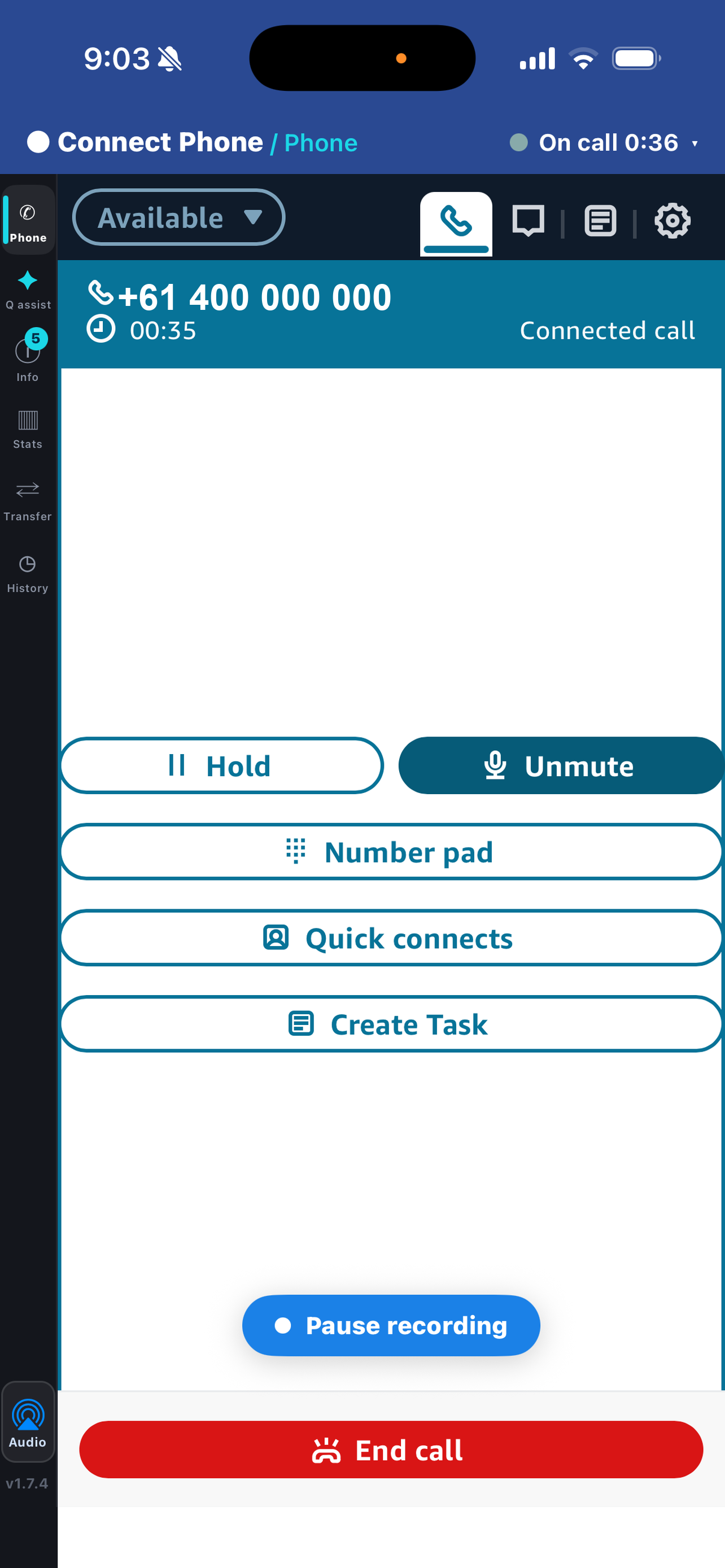
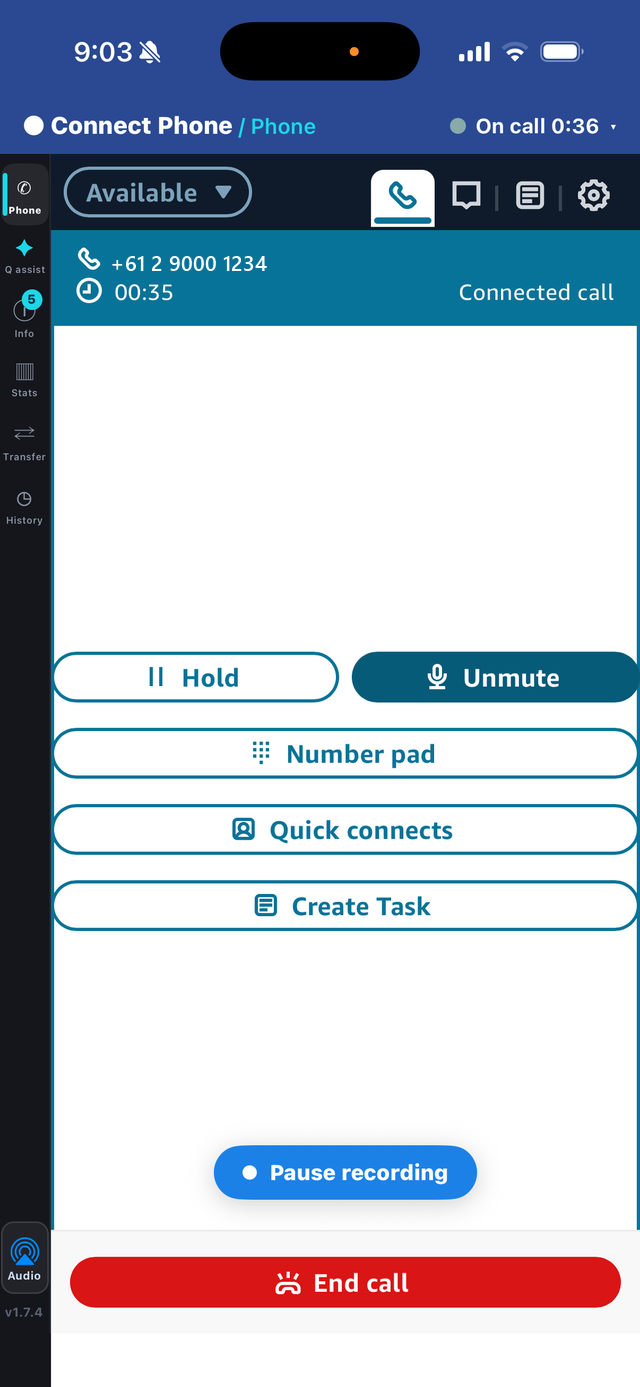
- The full call toolkit travels. Hold, mute, transfer, conference and quick connects, so a mobile agent is a full participant in the contact centre, not a degraded fallback.
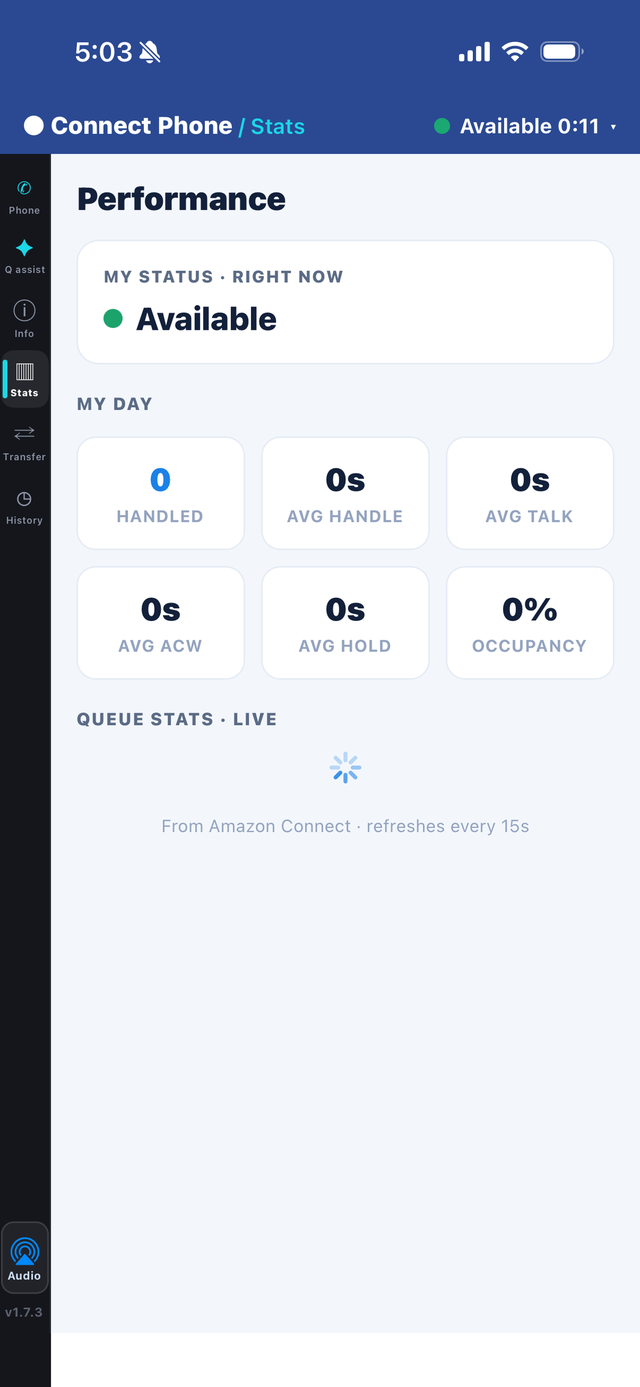
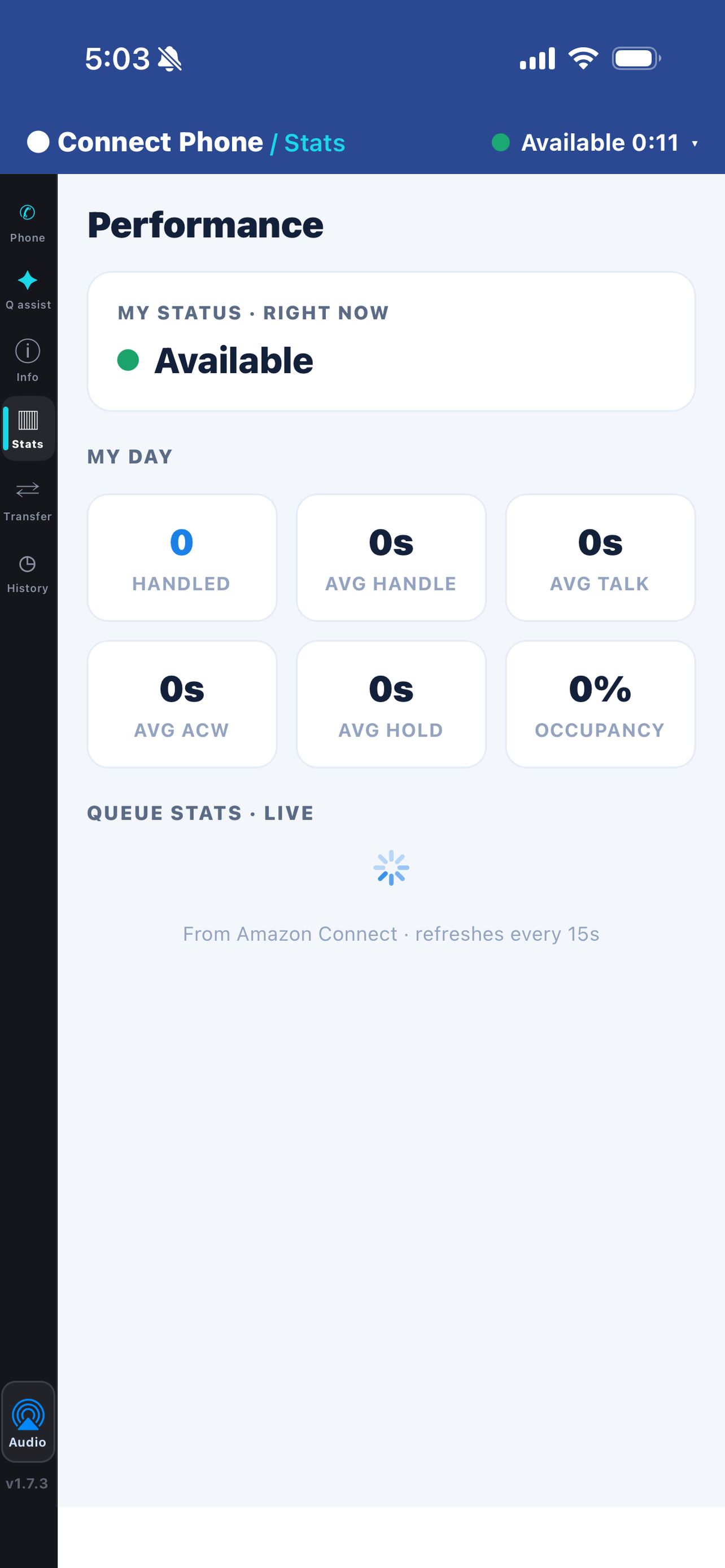
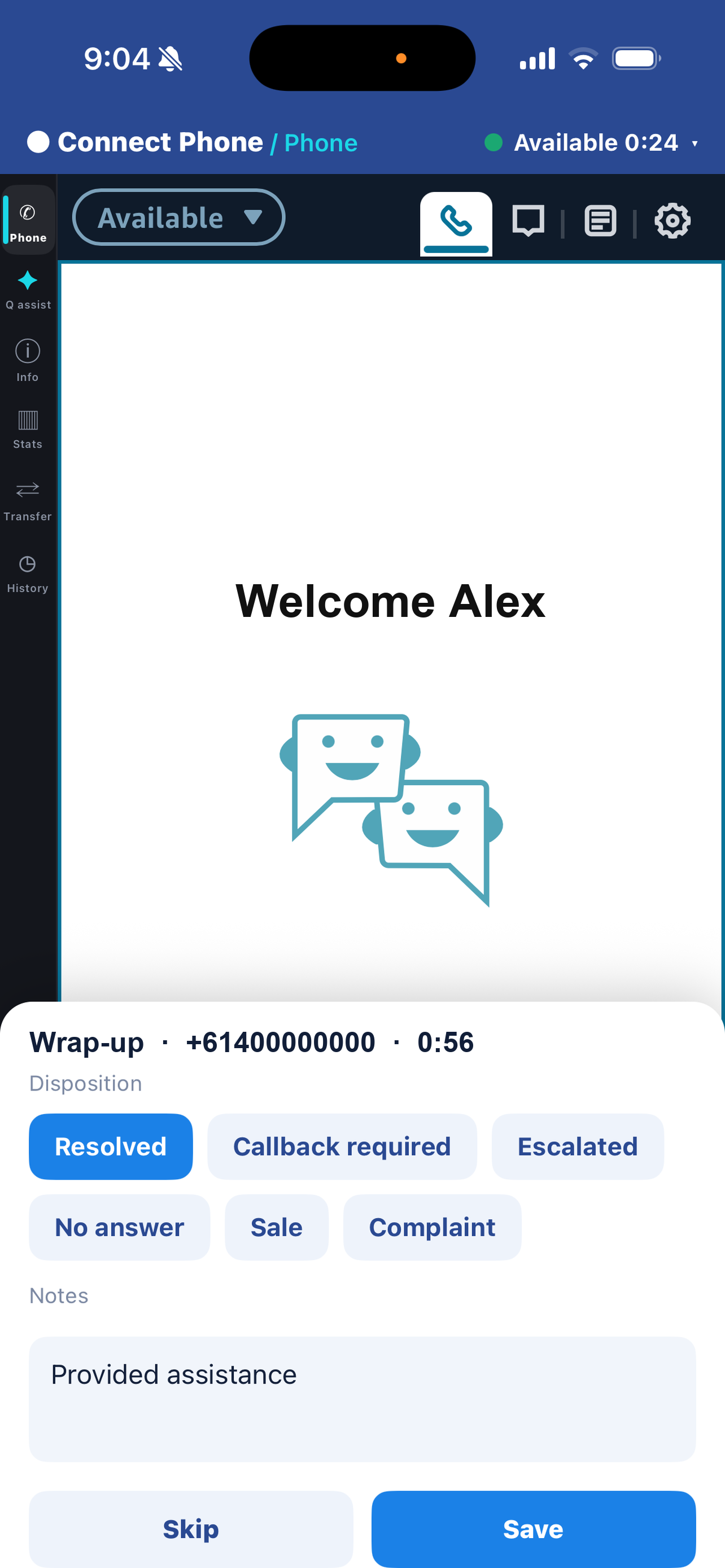
- The context comes along. Caller history and contact attributes, live queue statistics so the agent can read the room before changing state, and wrap-up dispositions and notes written straight back onto the Amazon Connect contact.
- Administrators stay in control. Each capability — stats, transfer, history, recording pause/resume, agent assist, dispositions — is a switch set centrally per workspace, so a basic agent and an escalation supervisor can run the same app with different surfaces, changed without touching anyone's device.
- Your instance is untouched. No Lambda to install, no contact flow to rewrite, no telephony to re-point. The instance doesn't know or care that some agents are on a phone.
Where mobile agents actually pay off
This isn't about moving a whole floor onto phones. It's about the specific roles the desk-bound model was always awkward for:
- After-hours and on-call rosters — cover the overnight or weekend queue without keeping a workstation powered and a VPN alive at home.
- Supervisors and escalation — take the transferred hard call while walking the floor, with full routing and recording intact.
- Field and hybrid staff — retail managers, branch teams and technicians who are on a queue but rarely at a desk.
- Small and lean teams — where a laptop-and-VPN kit per person is overkill and everyone is mobile by default.
In each case the alternative wasn't "a slightly worse call." It was a call that fell out of Amazon Connect — unrecorded, unmeasured, unlogged.
The takeaway
Mobile agents are not an edge case any more; they're a standing part of how contact centres operate. The two common workarounds — a laptop and VPN, or forwarding to a mobile number — either don't get used or quietly strip out routing, recording, metrics and the contact record. The durable answer is to stop bridging and instead run the real CCP on the agent's phone, so a call taken on the move is indistinguishable, to your instance and your reporting, from one taken at the desk.
That's exactly what we built Connect Phone to do: a genuine AWS Connect mobile app for iPhone — the real CCP session, with the contact routed and recorded — with every capability switchable per workspace and nothing to install inside your Connect instance. It rings in the foreground while the app is open, using Amazon Connect's own softphone ringtone; lock-screen ringing with the app closed is roadmap, not a shipped capability.
Give your Amazon Connect agents a real phone
See Connect Phone answer a routed call — recording, metrics and wrap-up all intact — on a device like your agents'.
AWS publishes no agent app for iPhone or Android. What a real mobile softphone has to do, the ringing question answered plainly, which metrics you keep, and how to roll it out.
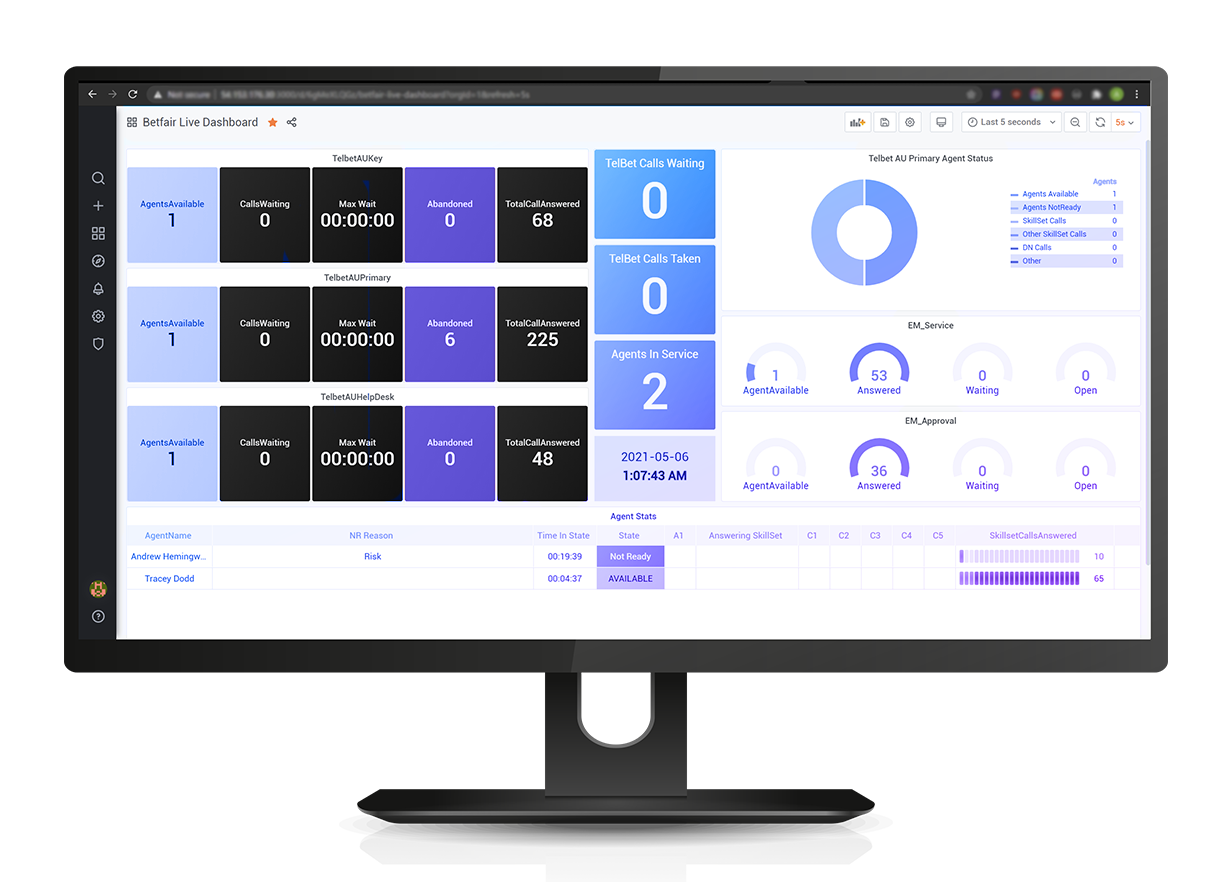
The native metrics page is a supervisor tool, not a floor tool. What it can't do — thresholds, alerting, floor maps, more than one platform — and how to get a wallboard live.
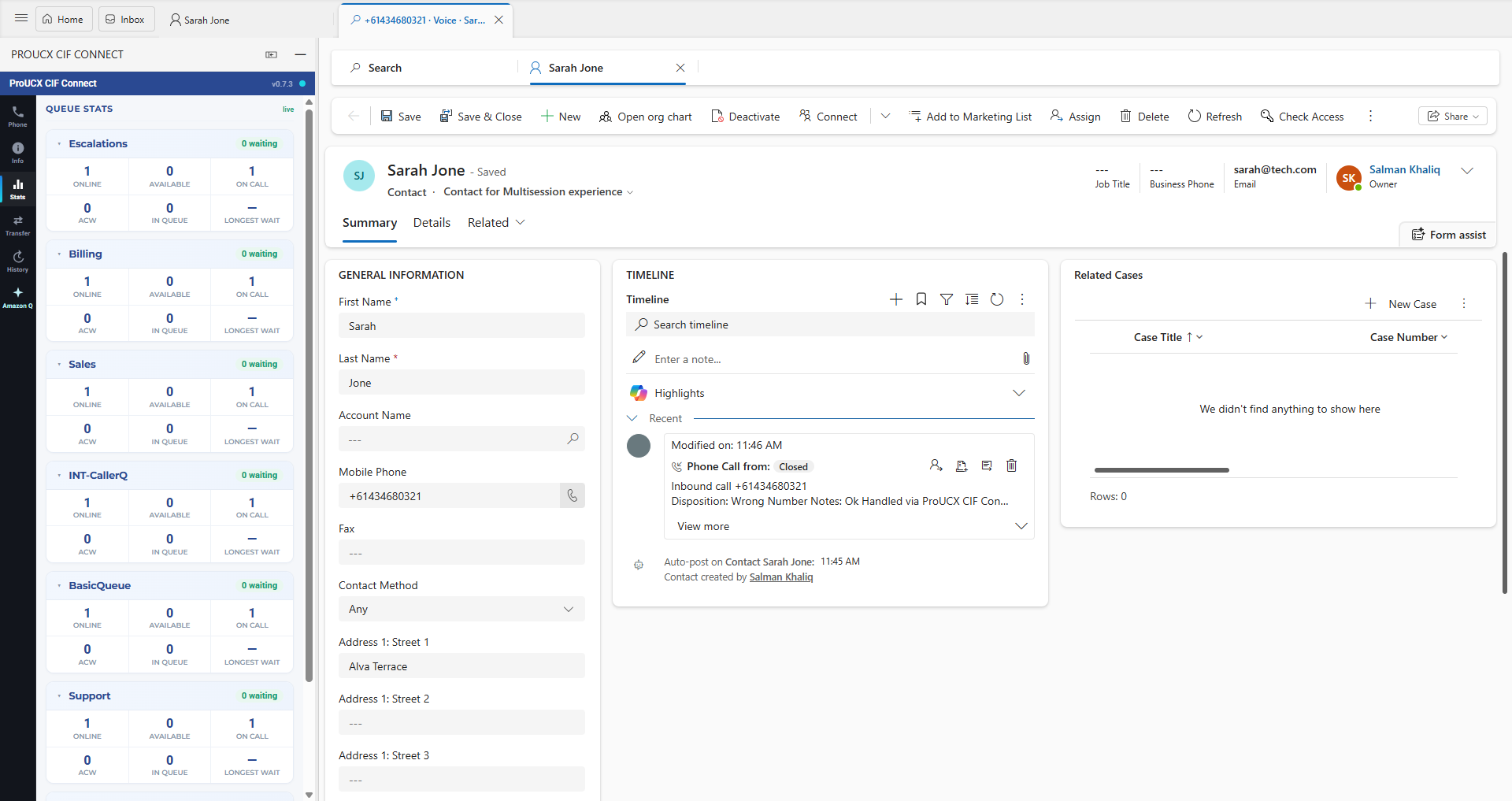
Link, embed, CTI or full workspace — four products at four prices. What screen-pop really requires, how logging differs per CRM, and the eight questions to ask before signing.