
Amazon Connect + HubSpot vs HubSpot's native calling
HubSpot can already make phone calls. That surprises people who assume a CRM needs a phone system bolted on, and for a small outbound sales team it is genuinely enough. The question is not whether HubSpot Calling works — it does — but whether it is a phone feature or a contact centre, because those are different products and only one of them handles a queue. Here's an honest read of where the line sits.
What HubSpot Calling gives you
HubSpot ships calling as part of the CRM. A rep opens a contact, company or deal record, clicks call, and talks from the browser. The call is logged to the record timeline as a call engagement with a duration, an outcome you pick from a list, and whatever notes were typed while it was happening. Depending on your HubSpot subscription tier you also get call recording, transcription and conversation-intelligence features layered on top of that engagement, plus calling activity in HubSpot's own reporting and a monthly allowance of calling minutes. HubSpot can provide numbers in a set of supported countries, or you can register an outbound number you already own. Check HubSpot's current documentation for the tier limits and country list — they move.
The real advantage is that there is nothing to integrate. No connector, no telephony project, no second vendor. It works on day one, it is already paid for inside a subscription you already have, and every call is guaranteed to be attached to a record because there is nowhere else for it to go.
For an outbound-led team of a handful of reps working a list, that is close to ideal, and the honest advice is to use it. Most of what follows only starts to matter when calls begin arriving at you rather than leaving from you.
Where it stops
Native CRM calling is built around one rep and one record. A contact centre is built around a queue. Five things break at that boundary.
- Inbound routing. There is no ACD. Nothing decides which of eleven available people should take this particular caller based on skill, language, priority, value or who spoke to them last, and nothing holds a caller in an ordered queue while they wait. A shared inbox for voice is not a routing engine.
- Self-service and IVR. No contact flows, no menus, no hours-of-operation branching, no callback offer when the wait is long, no identifying the caller before a human is involved.
- Supervision in the moment. No queue depth, no oldest-waiting-contact, no live agent states, no monitor, whisper or barge. Supervisors get reports about yesterday rather than a view of now.
- Recording as a compliance control. Recording tied to a CRM subscription tier is a sales-coaching feature. Recording with defined retention, legal hold, encryption under your own keys, storage in a region you nominate and an exportable archive is a compliance control, and the two are not interchangeable when a regulator asks.
- The telephony estate itself. Existing published numbers, carrier contracts, international DIDs, bring-your-own-carrier arrangements and Australian emergency-calling obligations all live outside the CRM.
There is also a quieter economic limit. Minute allowances are comfortable for outbound bursts and unhelpful for sustained inbound volume, so a support team that grows into the phone tends to discover the ceiling at the worst possible time.
What Amazon Connect adds
Amazon Connect is the other half: a cloud contact centre that you run in your own AWS account, in the region you choose, billed by usage rather than by seat.
What it brings to the same conversation is everything the CRM cannot reasonably be expected to do — contact flows and IVR, queues and routing profiles that match callers to the right skills, agent hierarchies, real-time and historical metrics, call recording written to your own S3 bucket under your own retention policy, Contact Lens analytics, and chat and task channels routed by the same engine as voice. Numbers are claimed or ported into your instance, so the phone estate becomes yours rather than a feature of a SaaS subscription.
The trade-off is equally plain: Connect is a platform, not a feature toggle. It needs designing, and out of the box it has no idea who your customers are. The agent's screen shows a phone number, not a person. That gap is exactly what a CTI connector closes.
How the two join, via Calling Extensions
HubSpot anticipated this. The Calling Extensions SDK is HubSpot's supported route for putting a third-party phone inside the CRM: a calling app registers itself with the portal, HubSpot renders it in the calling widget on records, and the app reports call state back so HubSpot creates and updates the engagement itself. Because the integration is native rather than a bookmarklet or a browser plug-in, the call still ends up on the timeline in the format HubSpot's own reporting expects.
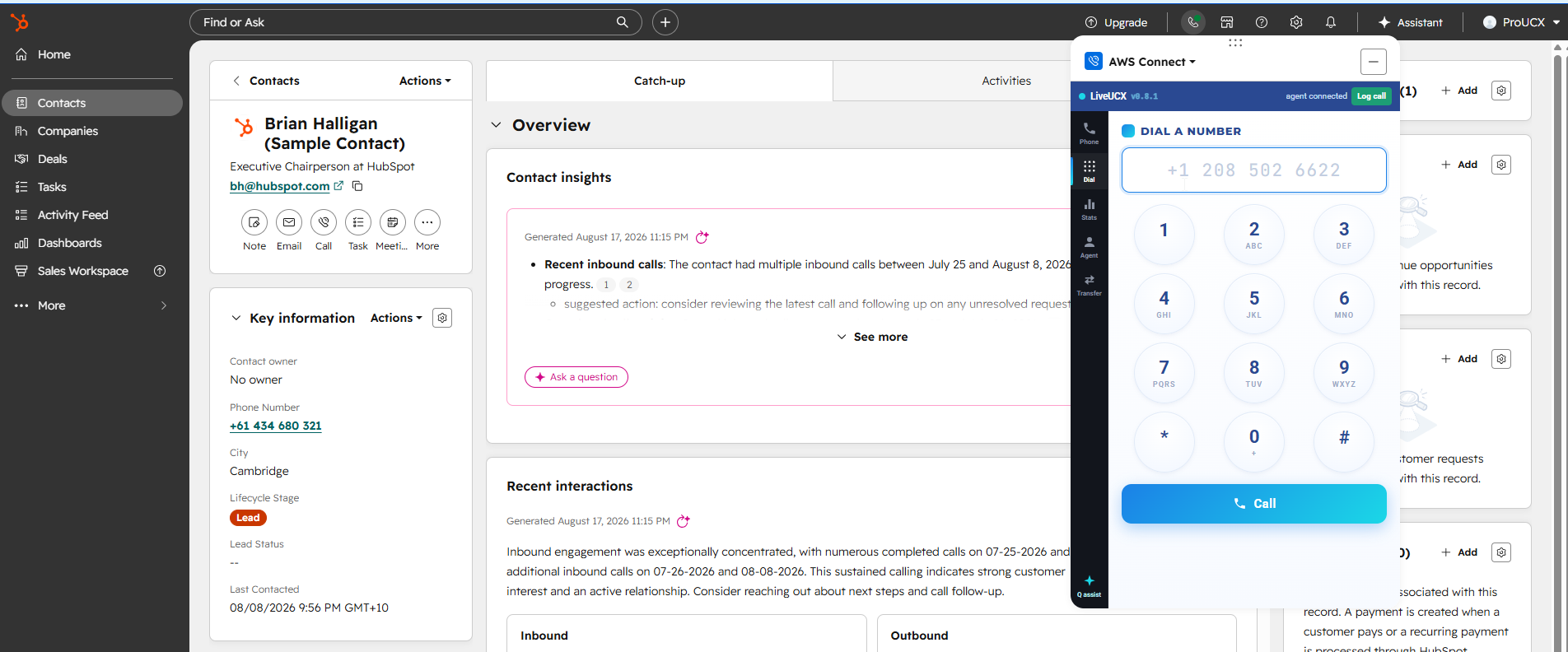
ProUCX's Amazon Connect HubSpot integration is built on that SDK on the CRM side and the Amazon Connect Streams API on the telephony side. In practice that means the softphone docks alongside the HubSpot record instead of living in a separate browser tab; any number on a record is click-to-dial; an inbound call screen-pops the matching contact or company before the agent says hello; the call is written back as a HubSpot engagement with outcome, duration and notes; recordings are linked where available; and transfers to Amazon Connect queues happen from inside HubSpot.
Three practical points people ask about before they commit:
- You keep your own Amazon Connect instance. The connector links what you already own to HubSpot. It is not a dialler with its own telephony, and it does not resell you minutes.
- Approved origins matter. Embedding a softphone in another application means the Connect instance has to trust the origins involved. It is a five-minute configuration step, but it is a step, and it is the single most common cause of a "the softphone won't load" first day.
- It is metered on AWS Marketplace at US$9 per agent per month, or US$15 on the premium tier, so it lands on the AWS bill you already reconcile rather than starting a new procurement cycle. Direct plans are on the pricing page.
The routing, the recording and the reporting stay in Amazon Connect. The customer context, the pipeline and the activity history stay in HubSpot. Neither system is asked to be the other one, which is the whole design goal.
It also leaves room in front of the queue. Once calls arrive through Amazon Connect, an automated first contact can qualify or resolve them and pass what it learned into the same HubSpot record through contact attributes — the routes to that are set out in how to add an AI voice agent to Amazon Connect. None of that is available to a dialler that lives inside the CRM.
When to keep native calling
Plenty of teams should. Stay with HubSpot Calling if most of these are true:
- Calling is overwhelmingly outbound, from a list, by named reps.
- Nobody queues. If two calls arrive at once, it is acceptable for one to go to voicemail.
- Recording is for coaching, not for a regulator or a retention schedule.
- Your volume sits comfortably inside your tier's minute allowance.
- HubSpot is the only system the team works in, and nobody is asking for a wallboard.
Move to Amazon Connect underneath HubSpot when any two of these appear: a published number that customers ring unprompted, a service-level target, a compliance recording obligation, agents who work across more than one channel, or a supervisor who needs to see the floor in real time. That last one is usually the tell — the moment somebody asks "how many are waiting right now", you have a contact centre, whatever the org chart calls it. Real-time visibility is its own decision, and we cover it in Amazon Connect real-time metrics: built-in dashboards versus a wallboard.
One combination to avoid: running both at once for the same team without deciding which one owns the record. Two calling paths writing to one HubSpot timeline produces duplicate engagements, inconsistent outcomes and activity reporting nobody trusts. If you must run a hybrid, split it by team or by number, not by rep preference.
A short decision checklist
- Do callers ring us, or do we ring them? Inbound at any volume points to Connect.
- Is there a service level anyone is accountable for?
- Who is required to keep recordings, for how long, and where must they physically sit?
- Does anyone need to see live queue and agent state during the day?
- Will voice ever share routing with chat, email or tasks?
- Do we already own an Amazon Connect instance for another team? If yes, the marginal cost of extending it to HubSpot is small.
If you are weighing this across more than one CRM, the wider framework — the four depths of integration, what screen-pop actually requires, and where build-versus-buy lands — is in our Amazon Connect CRM integration buyer's guide.
The short version
HubSpot Calling is a good phone feature and a poor contact centre, which is fine, because it was never meant to be one. If your calls arrive rather than depart, put Amazon Connect underneath and join the two through Calling Extensions so the routing lives in Connect and the customer record lives in HubSpot. If your calls only ever depart, keep what you have and spend the money somewhere it changes an outcome.
Put Amazon Connect calls inside HubSpot
See the connector, or subscribe against the AWS account you already have.
Amazon Connect HubSpot integration · View on AWS Marketplace
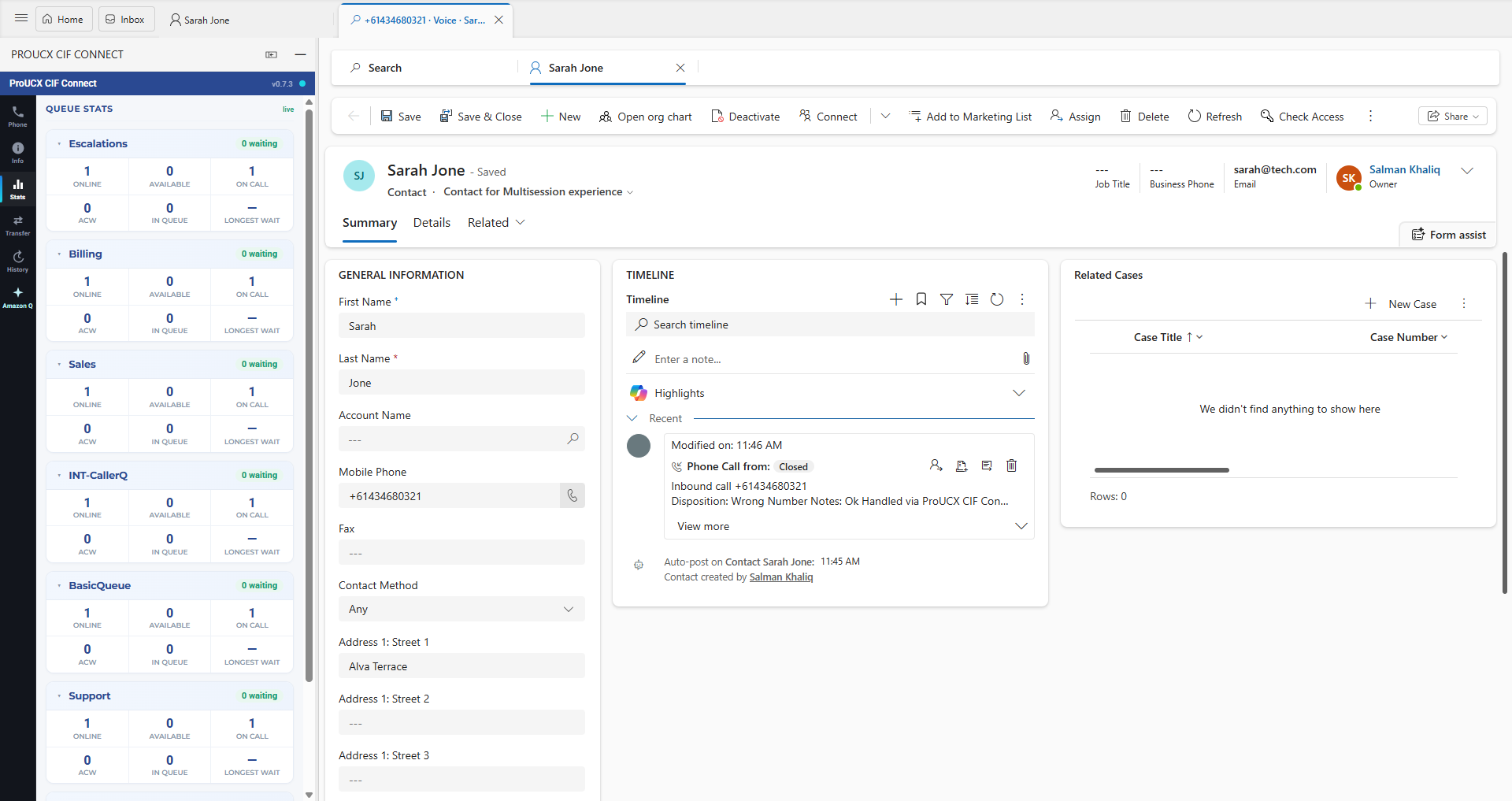
Link, embed, CTI or full workspace — four products at four prices. What screen-pop really requires, how logging differs per CRM, and the eight questions to ask before signing.
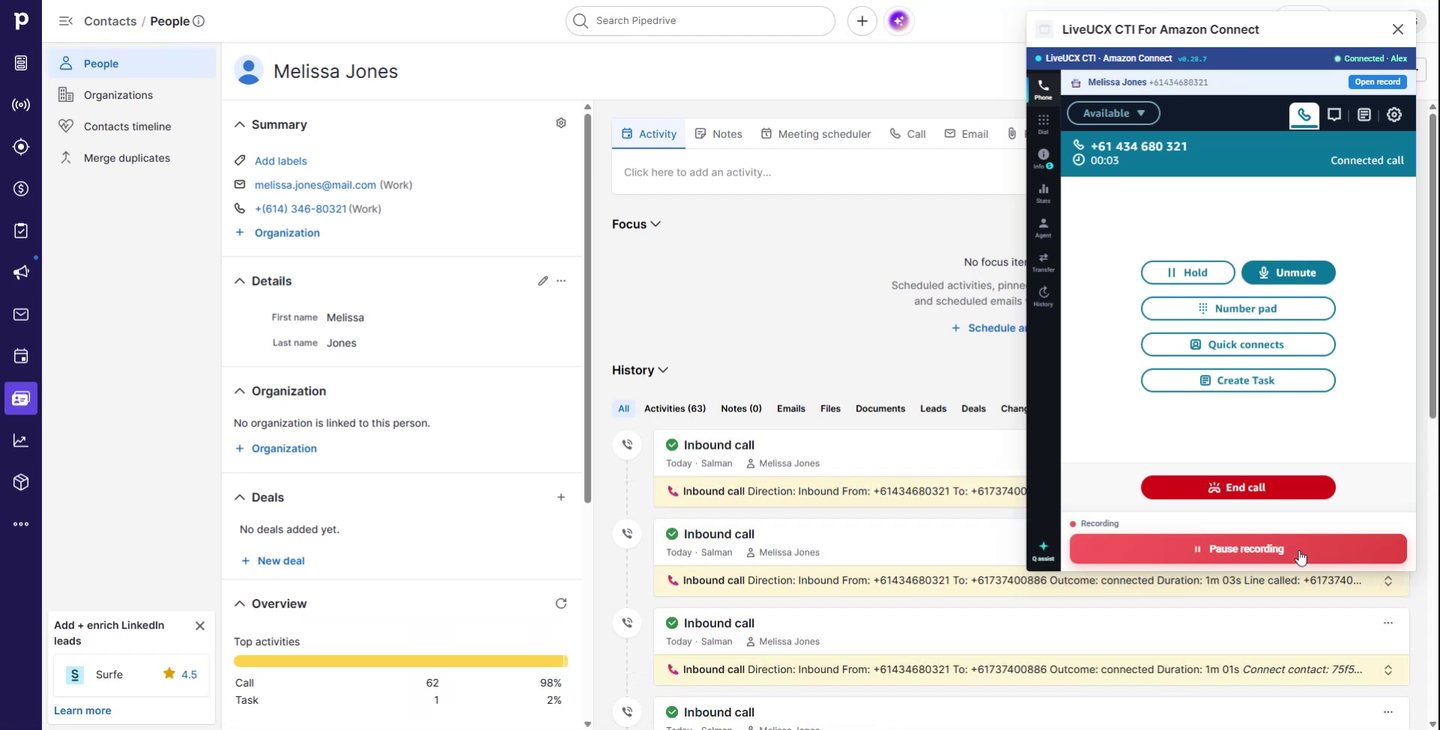
What Pipedrive’s built-in calling covers, where a CRM stops being a contact centre, and what changes when an Amazon Connect CTI takes over the call.
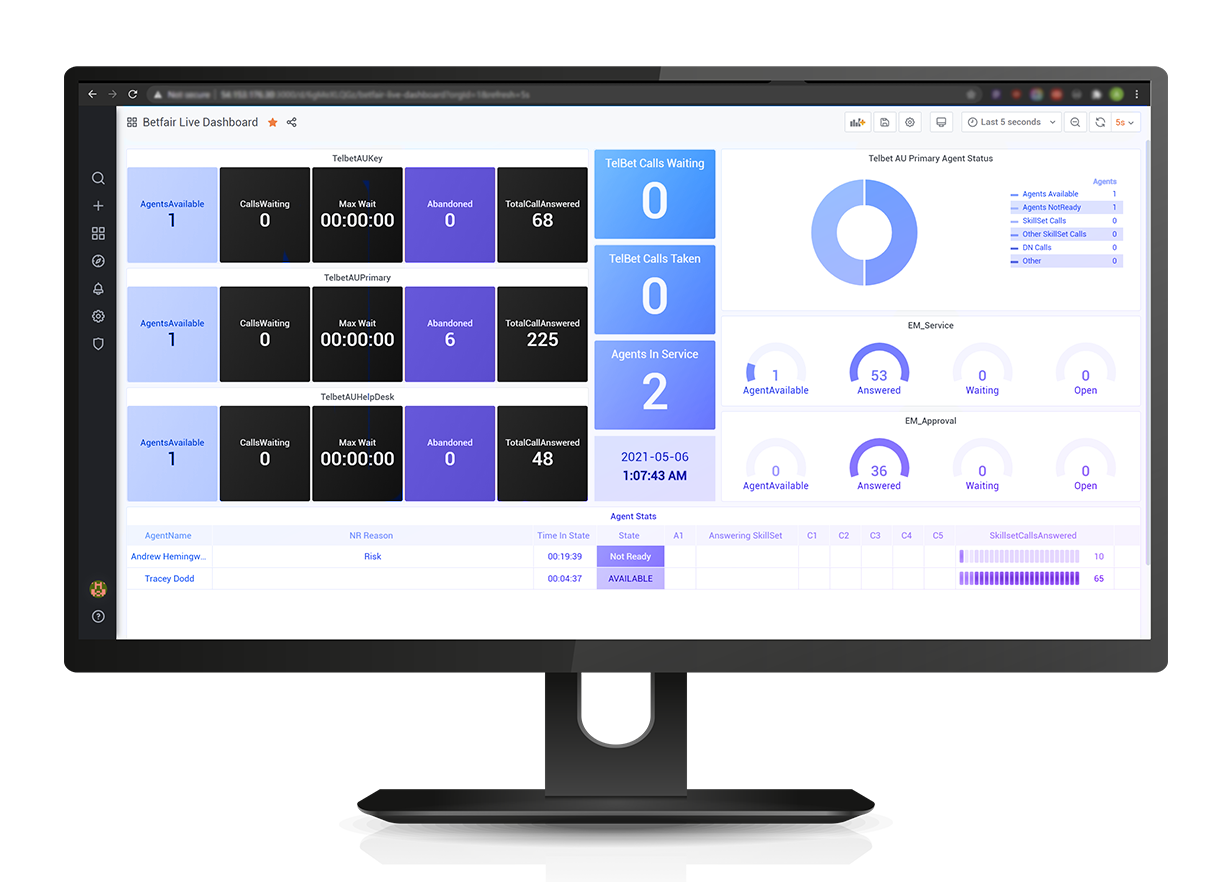
All three cover the enterprise CRMs and all three leave the mid-market to connectors. Native coverage, the five cost lines, migration friction, and what to do if the CRM is Dynamics, HubSpot or Pipedrive.