
Amazon Connect cost estimator
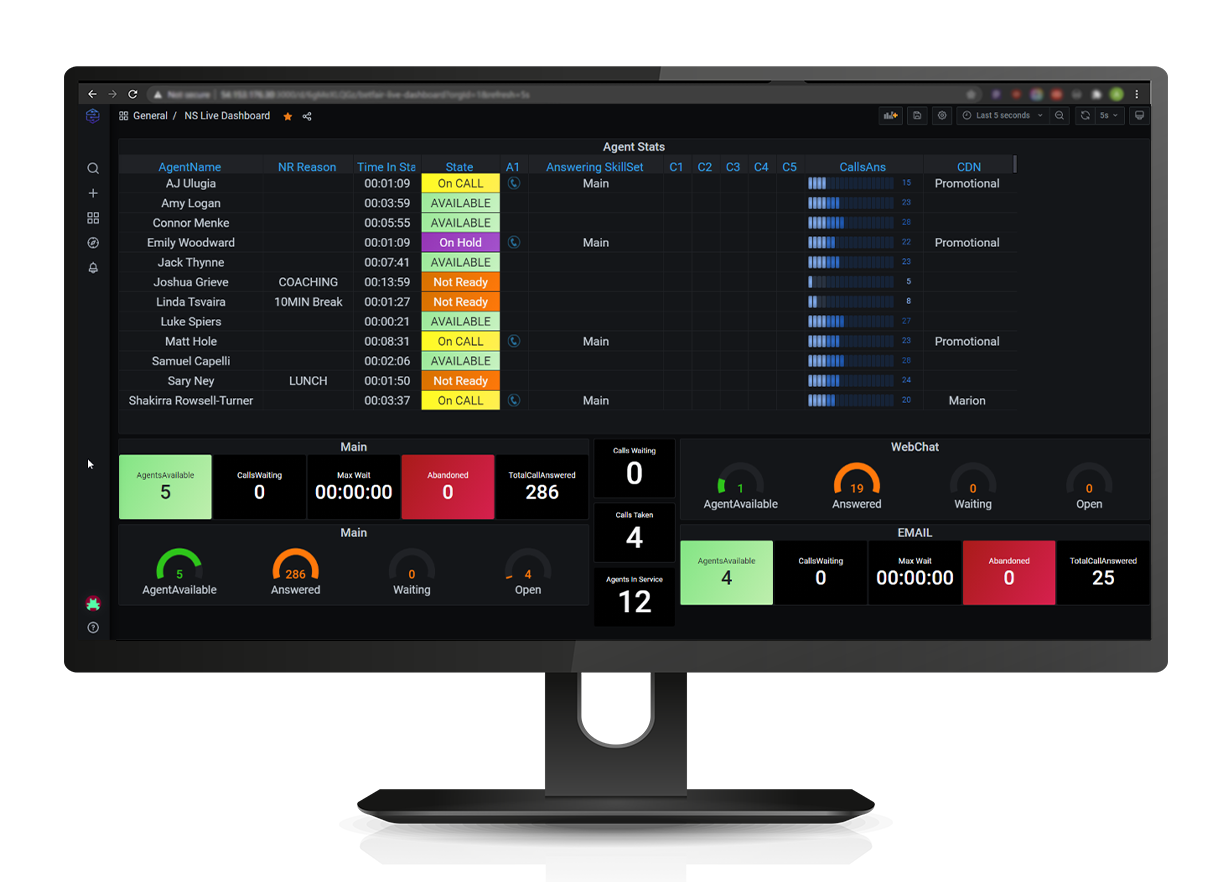
AWS’s own calculator prices AWS services, not the bill a contact centre gets — including two lines billed per agent. It does not tell you that forecasting and scheduling is one of them, or that the CRM integration your agents actually work in is a separate per-seat licence that appears on no AWS rate card. This tool builds the other half: given how your contact centre runs, which line items will appear on the bill, and in what unit each is charged. Structure sourced from AWS’s pricing page and appendix, read 21 October 2026.
How this works. We do not publish AWS’s rates. They vary by region and change, and a calculator with last quarter’s numbers baked in is worse than none. So you bring the rates for your region from AWS’s pricing page and its appendix, and this builds the bill — every line item your configuration is actually charged on, in the unit it is charged in. Nothing is sent anywhere; it all runs in your browser.
| Line item | Billed | Quantity | Your rate | Monthly |
|---|---|---|---|---|
| Total of the lines you have rated | — | |||
Why the rates are yours and not ours
Because they move. AWS states pricing “may vary by region, communication type, and third-party provider”, and it reorganised this pricing recently enough that most of the guides ranking for it describe an arrangement that has changed. A calculator with last quarter’s numbers baked in reads as authoritative and is quietly wrong, which is worse than asking you to spend two minutes on AWS’s own page. The one price we do fill in is our own connector, because we publish it and you can check it on AWS Marketplace.
What does not move is the shape of the bill, and that is the part people get wrong. Three groups of charges are quoted separately and have to be added together, and two dimensions behave completely differently from the rest.
The three things this catches that a rate card does not
- A voice minute is billed more than once. One inbound call draws the Amazon Connect voice minute and the inbound telephony minute, and the number it arrived on carries a charge for every day you hold it, used or not. A per-minute figure quoted on its own is never the voice cost.
- Two line items are per agent per month. Forecasting and agent scheduling, and performance evaluations. Everything else scales with how busy you are; these two scale with how many people you employ, so a quiet month does not reduce them. If you picked Amazon Connect for consumption pricing, these are the exceptions to it.
- The CRM layer is on nobody’s rate card. Amazon Connect gives agents the Contact Control Panel, not screen-pop into a Pipedrive deal or a logged activity on the right Dynamics 365 contact. That is a separate licence and, unlike the channels, it is per seat. Ours is US$9 per agent per month on AWS Marketplace; if you do not need a CRM integration, clear that row.
How to use the total honestly
It is a floor, not a quote. The tool tells you how many of your active line items still have no rate against them, and until that number is zero the total is incomplete by definition. Two further things it deliberately does not model: committed-use discounts and enterprise agreements, which only your AWS account team can price; and the engineering effort to build flows, integrations and reporting, which is usually the larger number in year one and is not a per-minute charge at all.
For the structure behind the line items, see what Amazon Connect actually costs. For the two per-agent rows, Amazon Connect’s own workforce management covers what you get for them and the compliance wording worth reading first.
Common questions
Why does this calculator not include AWS's prices?
Because they vary by region and change, and AWS reorganised this pricing recently enough that most guides ranking for it describe an arrangement that has moved. A calculator with stale rates baked in reads as authoritative and is quietly wrong. You bring the rates for your region from AWS’s pricing page and appendix; the tool supplies the structure, which is the part that does not go stale.
How is this different from the AWS Pricing Calculator?
AWS’s calculator prices AWS services. This one builds the bill a contact centre actually gets, which includes two things AWS’s does not surface: that forecasting and scheduling and performance evaluations are billed per agent per month rather than on usage, and that the CRM integration layer is a separate per-seat licence on no AWS rate card. Use both — AWS’s for the rates, this for the line items.
Which Amazon Connect charges are per agent rather than per use?
Two, and they are the exceptions to the consumption model: forecasting and agent scheduling, and performance evaluations of agents. Both are billed per agent per month, so they scale with headcount and a quiet month does not reduce them. Chat, voice, email and messaging are all usage-billed, and AWS describes the platform as having no seat-based licensing requirements — which is true of the channels and not of those two.
Is my usage data sent anywhere?
No. The whole thing runs in your browser — there is no form submission, no account and no analytics on the figures you type. Close the tab and it is gone.
Does the total include implementation?
No, and that is usually the larger number in year one. Flows, integrations, reporting and testing are project effort rather than a per-minute charge, and committed-use discounts or an enterprise agreement are not modelled either because only your AWS account team can price those. Treat the total as a floor on the run-rate, not a quote.
Costed it and want the CRM side built? Tell us the CRM and the agent count and we will tell you what the connector covers and what it does not. Our own prices are on pricing.
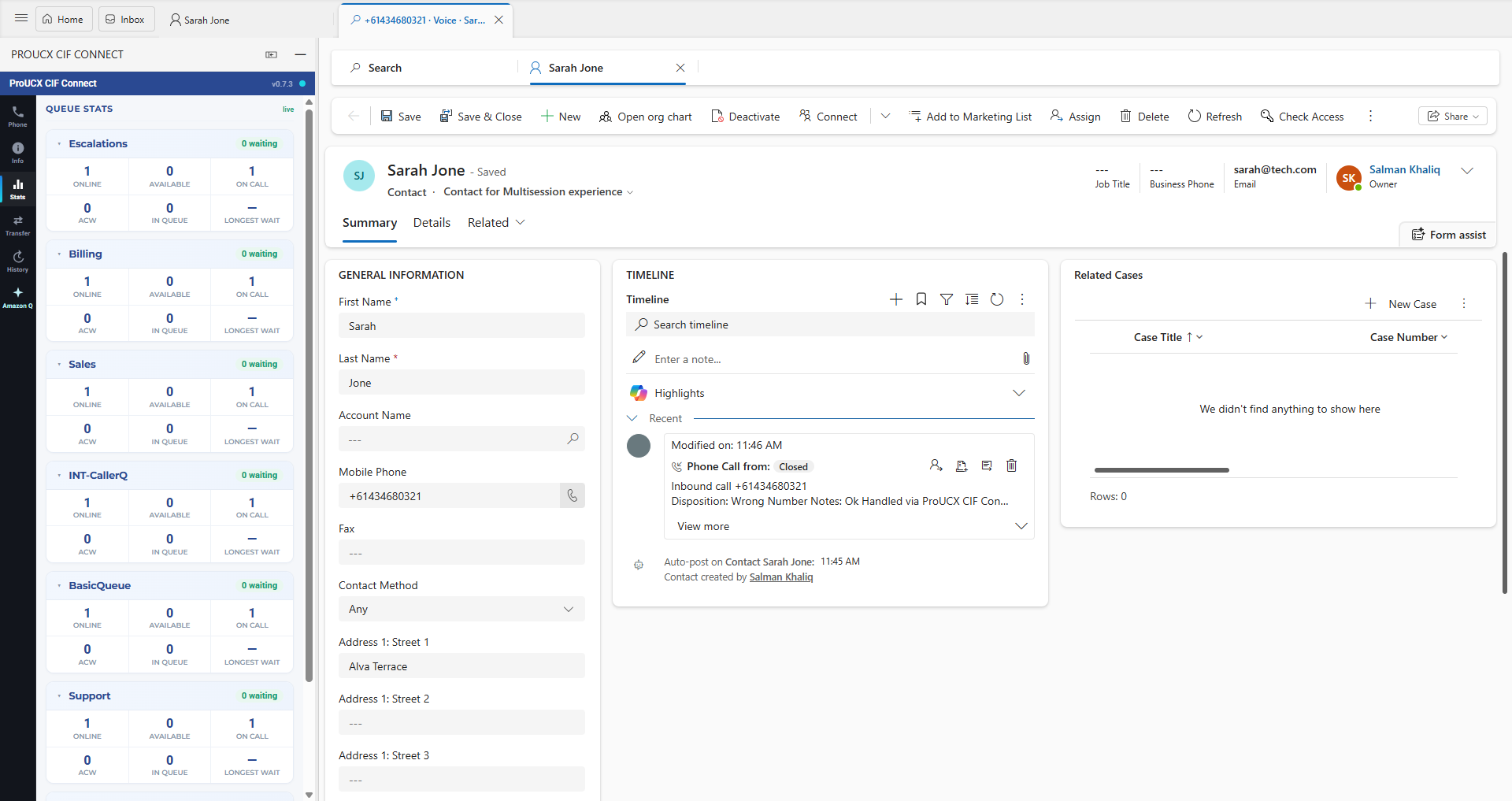
Link, embed, CTI or full workspace — four products at four prices. What screen-pop really requires, how logging differs per CRM, and the eight questions to ask before signing.
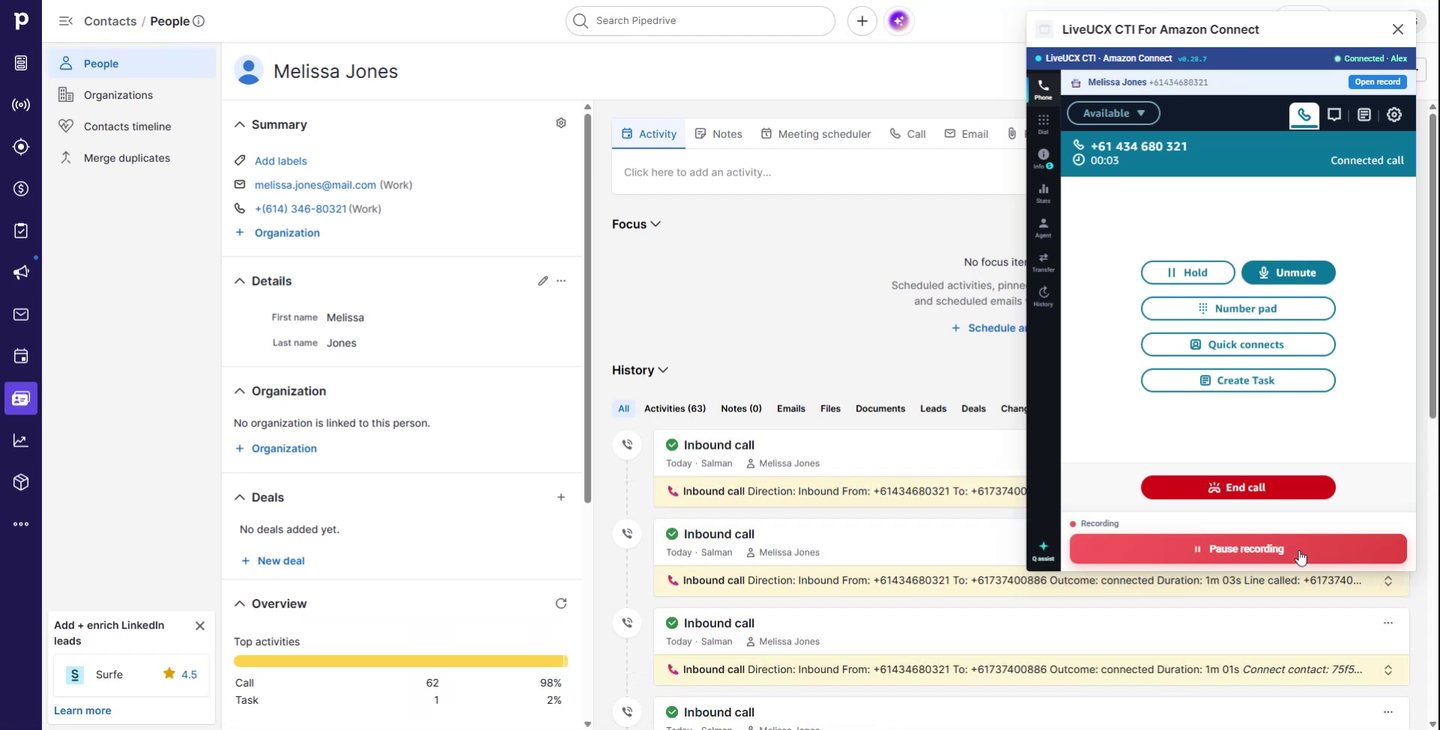
What Pipedrive’s built-in calling covers, where a CRM stops being a contact centre, and what changes when an Amazon Connect CTI takes over the call.
All three cover the enterprise CRMs and all three leave the mid-market to connectors. Native coverage, the five cost lines, migration friction, and what to do if the CRM is Dynamics, HubSpot or Pipedrive.